JW Electronics Store
UPERFECT 18.4Inch 4K Portable Monitor Gaming PC Gamer Displays Laptop Extender Screen For TV Notebook Ps4/5 Xbox Tablet Switch
UPERFECT 18.4Inch 4K Portable Monitor Gaming PC Gamer Displays Laptop Extender Screen For TV Notebook Ps4/5 Xbox Tablet Switch
Couldn't load pickup availability
SPECIFICATIONS
Application: Laptop
Bracket Type: Ordinary Bracket
Brand Name: Uperfect
Brightness: 300cd/m
Built-in Speaker: Yes
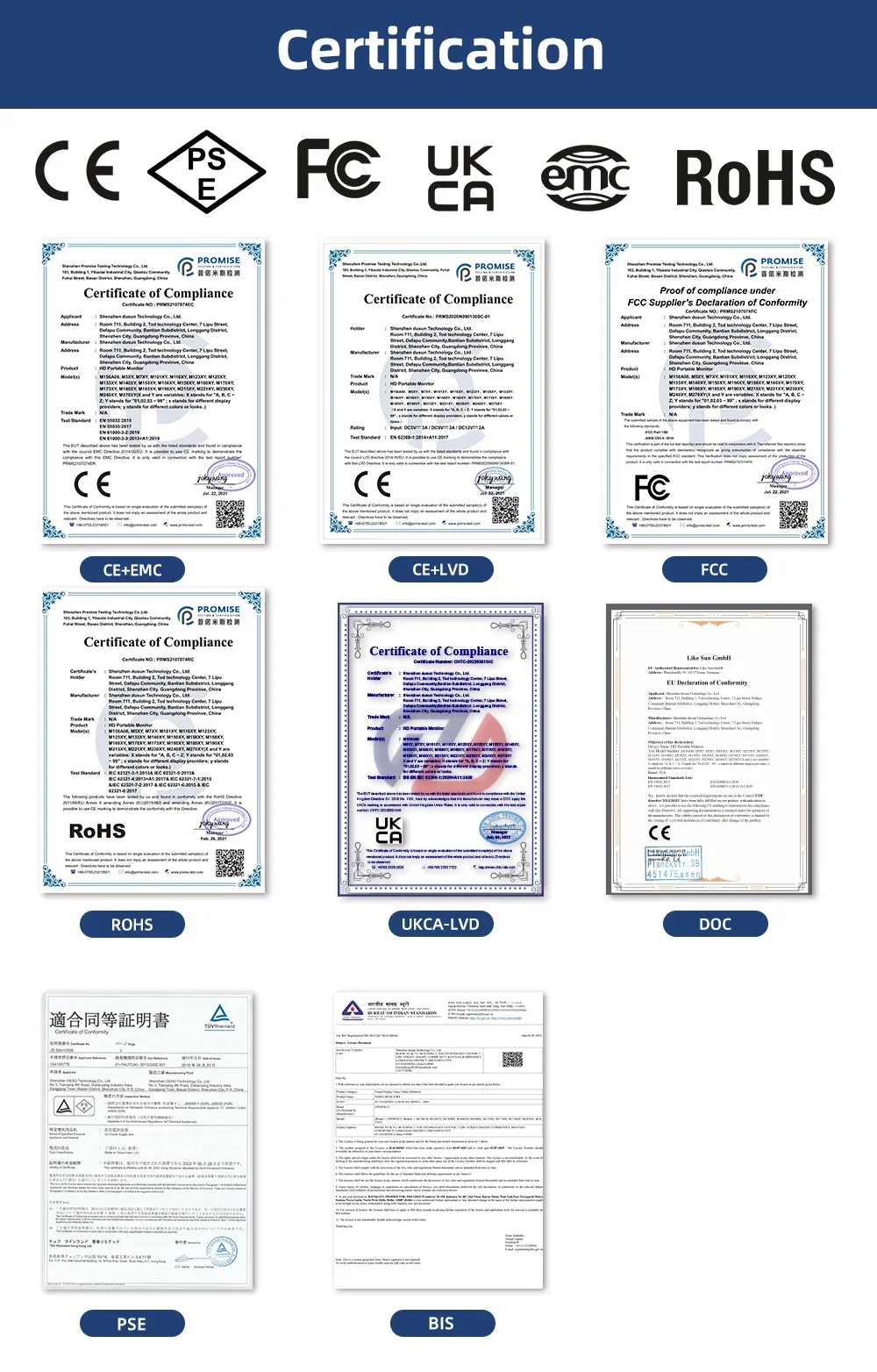
Certification: CE,FCC,RoHS,pse,weee
Contrast Ratio: 1000:1,1100:1
Display Ratio: 16:9
Display Size: 18.5inch,18.5 inch
Feature: Speaker,Gaming,Vertical mode
High-Dynamic Range: Other
High-concerned chemical: None
Horizontal Viewing Angle: 178°
Interface Type: HDMI-Compatible
Matrix color depth: 8 bit + FRC
Panel Type: IPS
Pixel Pitch: 0.27mm
Plug Type: EU Plug
Products Status: STOCK
Refresh rate sync technology: AMD FreeSync
Resolution: 3840x2160
Response Time: 20ms
Screen Type: WLED
Screen curvature: Other
Screen surface: MATT
Uperfect Model: Y
Vertical Viewing Angle: 80°
UPERFECT Portable Monitor 4K 18.4 inch 10 Bit UHD FreeSync IPS HDR Laptop Gaming Display
10Bits True-to-Life Colors
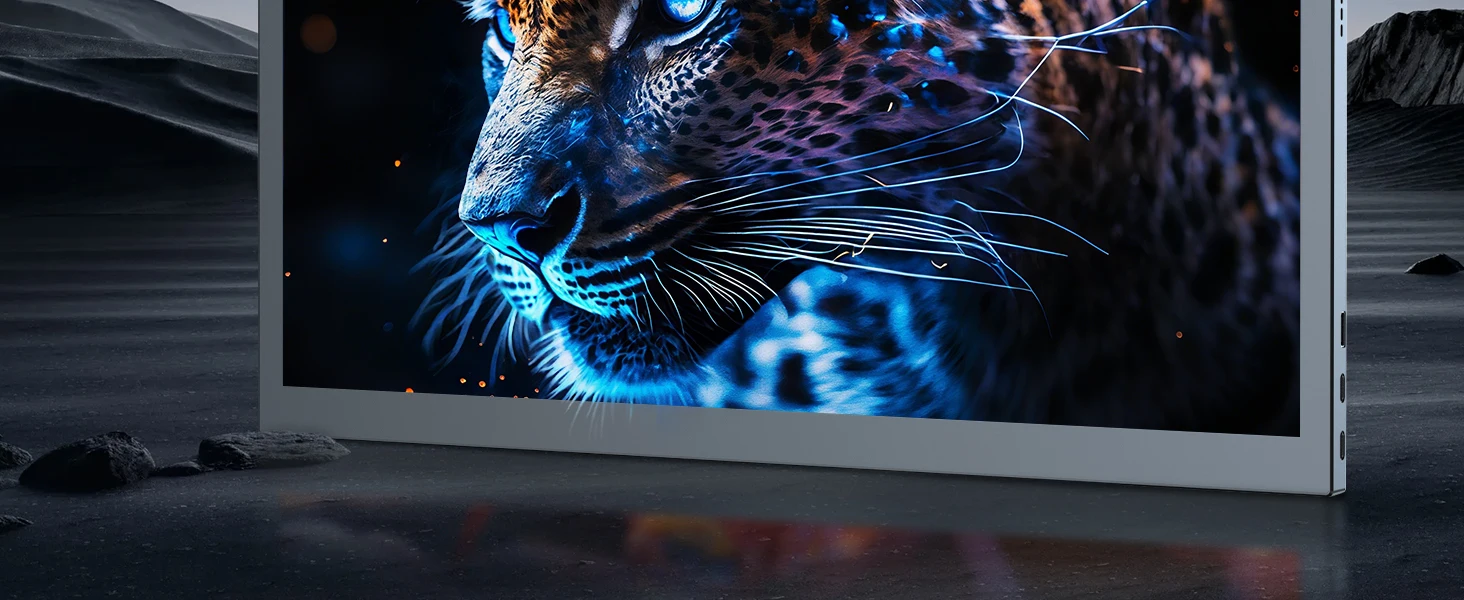
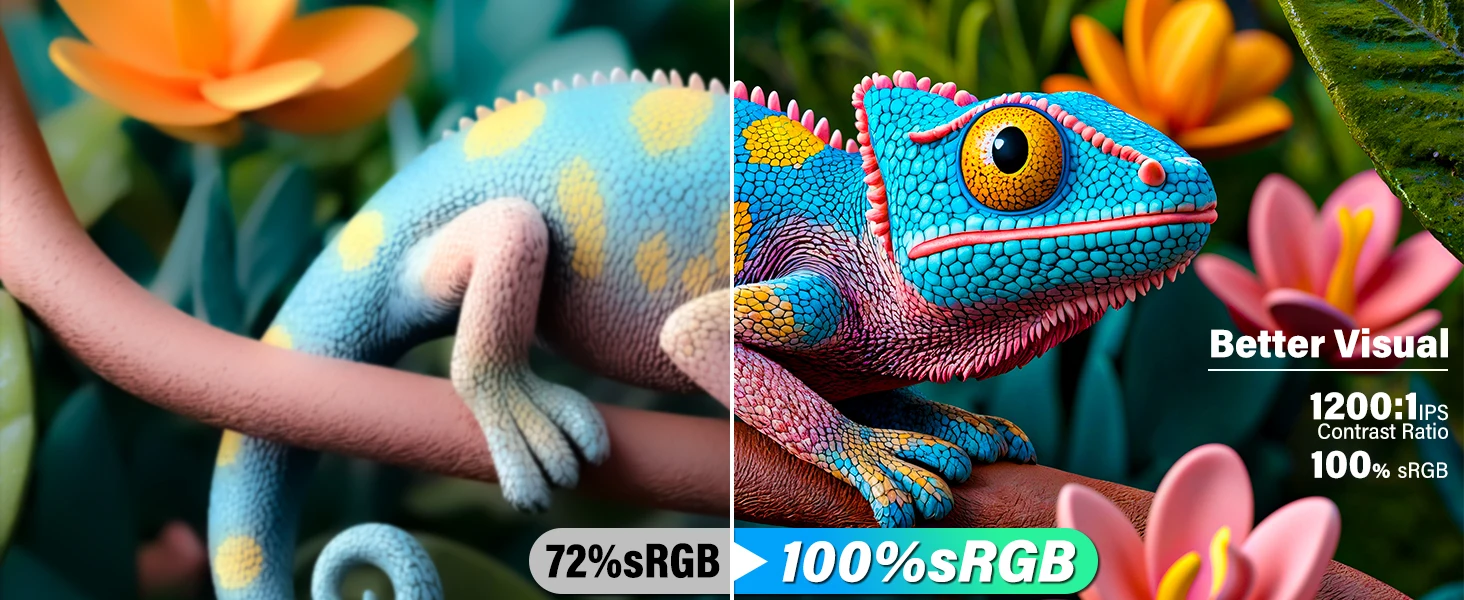
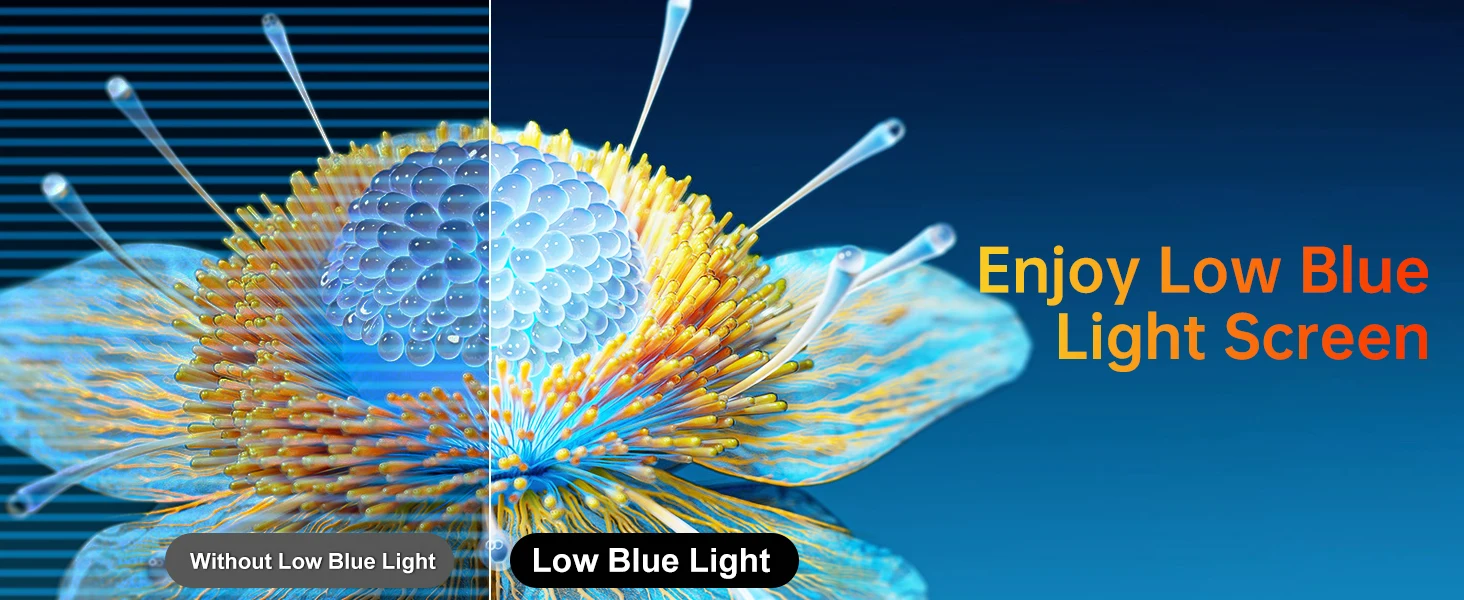
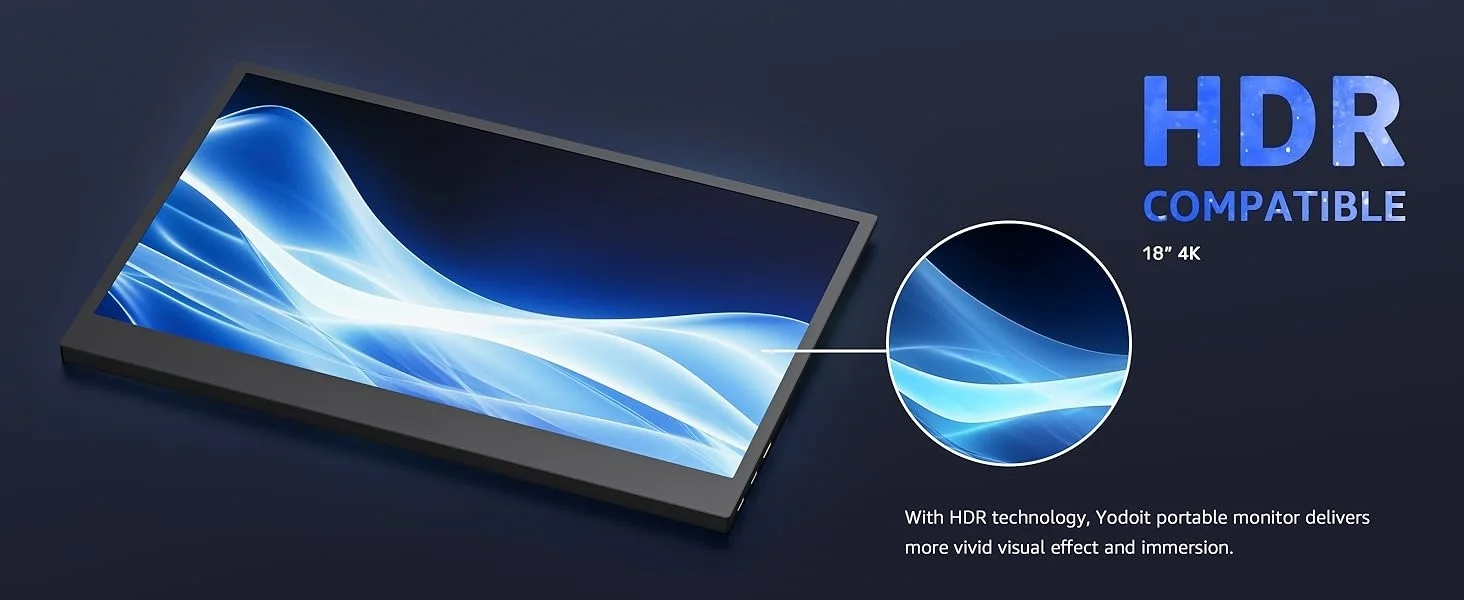
Experience vibrant and accurate colors with the portable 4K monitor, boasting 10-bit color depth and 100% sRGB color gamut; Dive into lifelike images ideal for professional work or content creation, enhanced further with HDR for immersive gaming and content creation
Extensive Connectivity
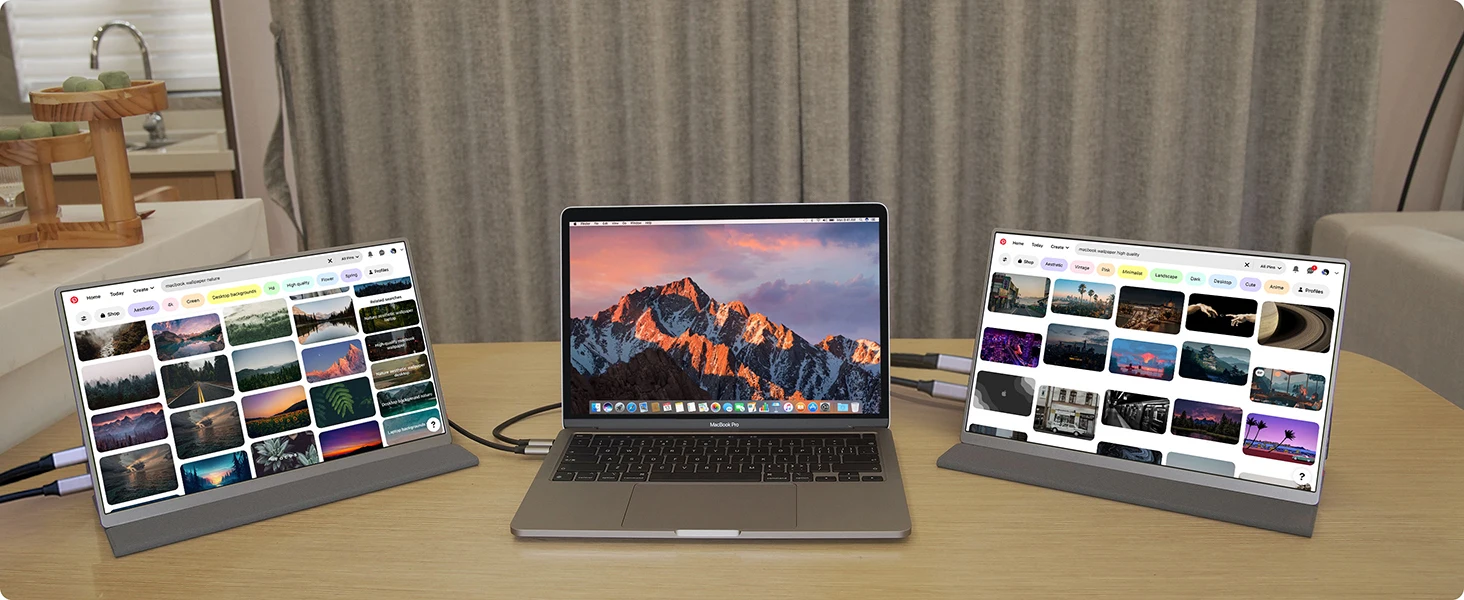
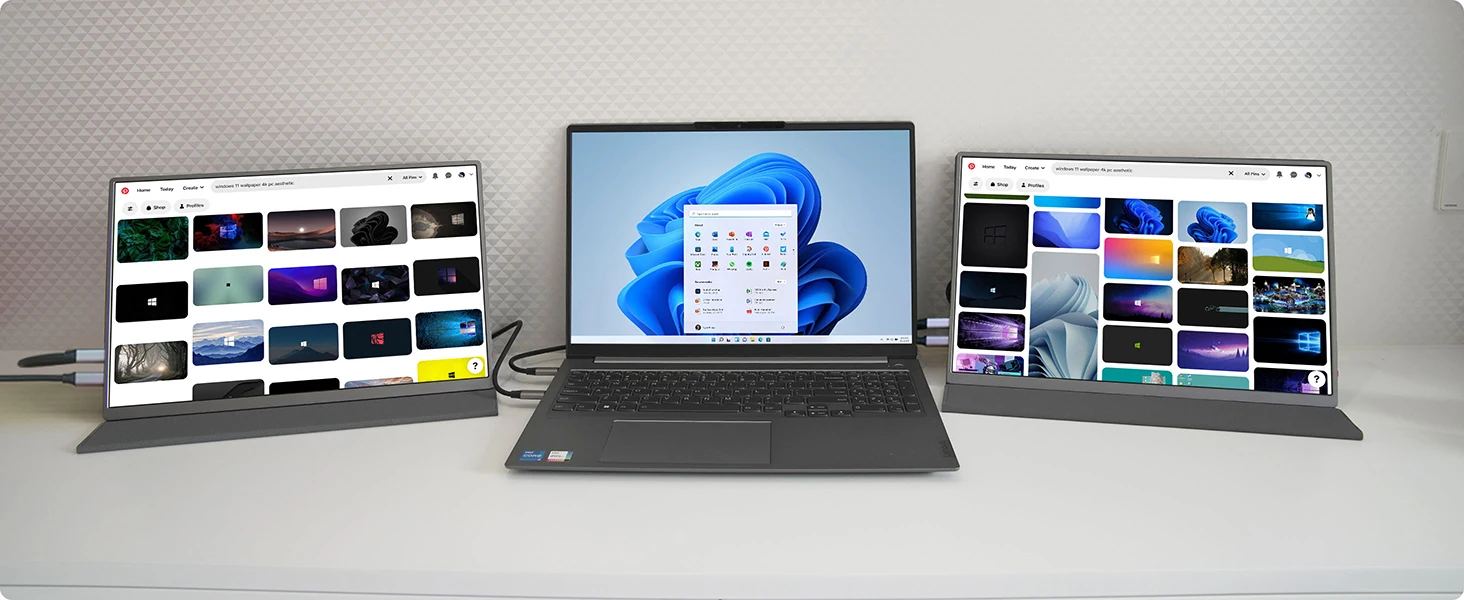
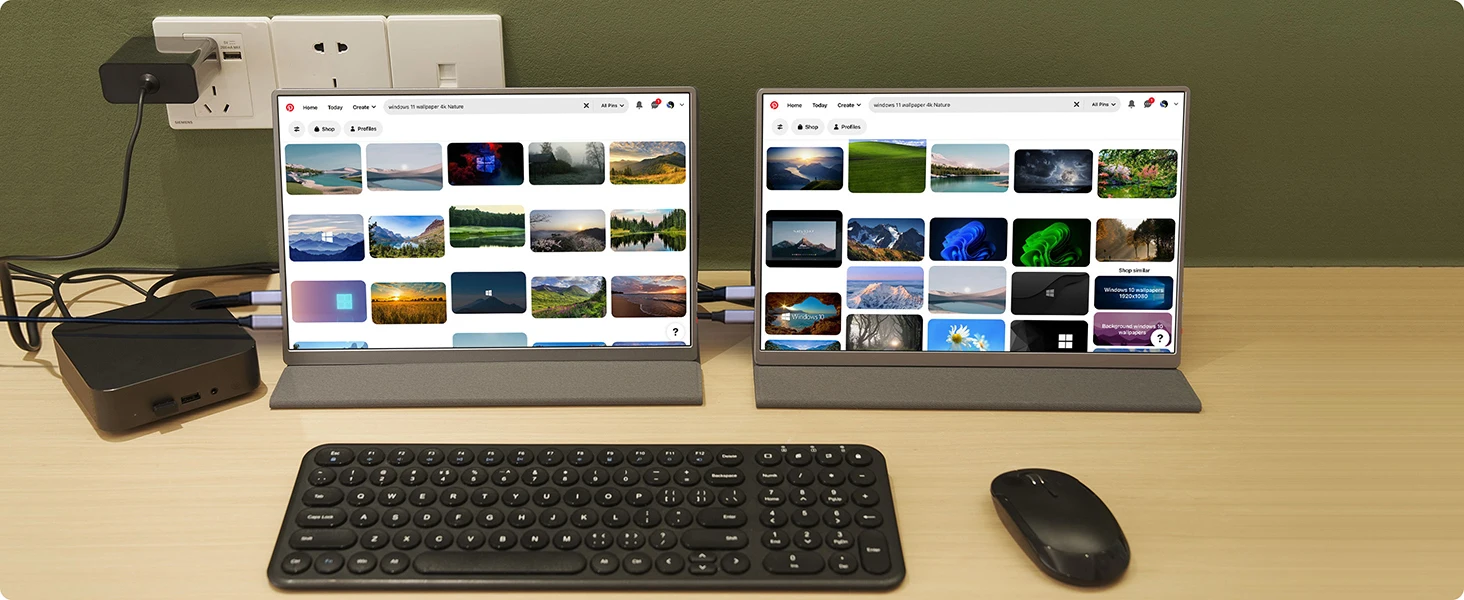
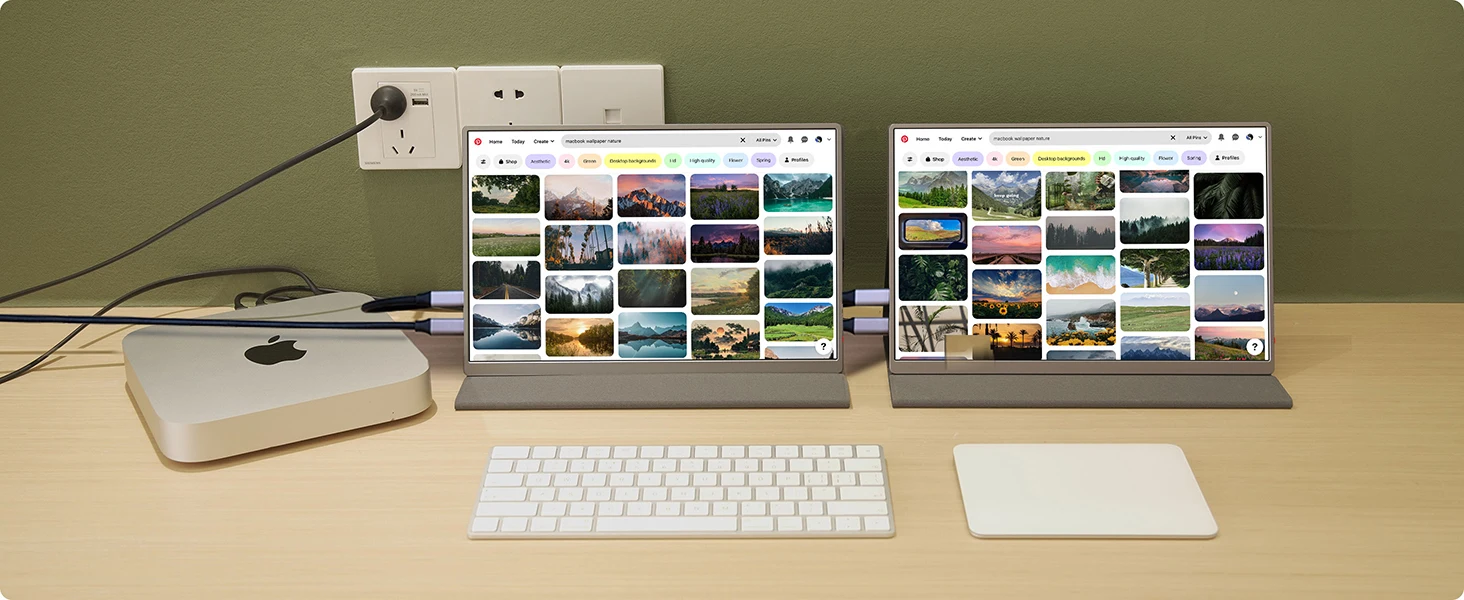
The UPERFECT 4K portable monitor easily connects to a variety of devices via mini HDMI and Type-C ports, making it compatible with laptops, smartphones, game consoles and more for seamless integration into your workflow or entertainment setup; A micro usb port can connect to keyboard or mouse
4K GAMING MONITOR
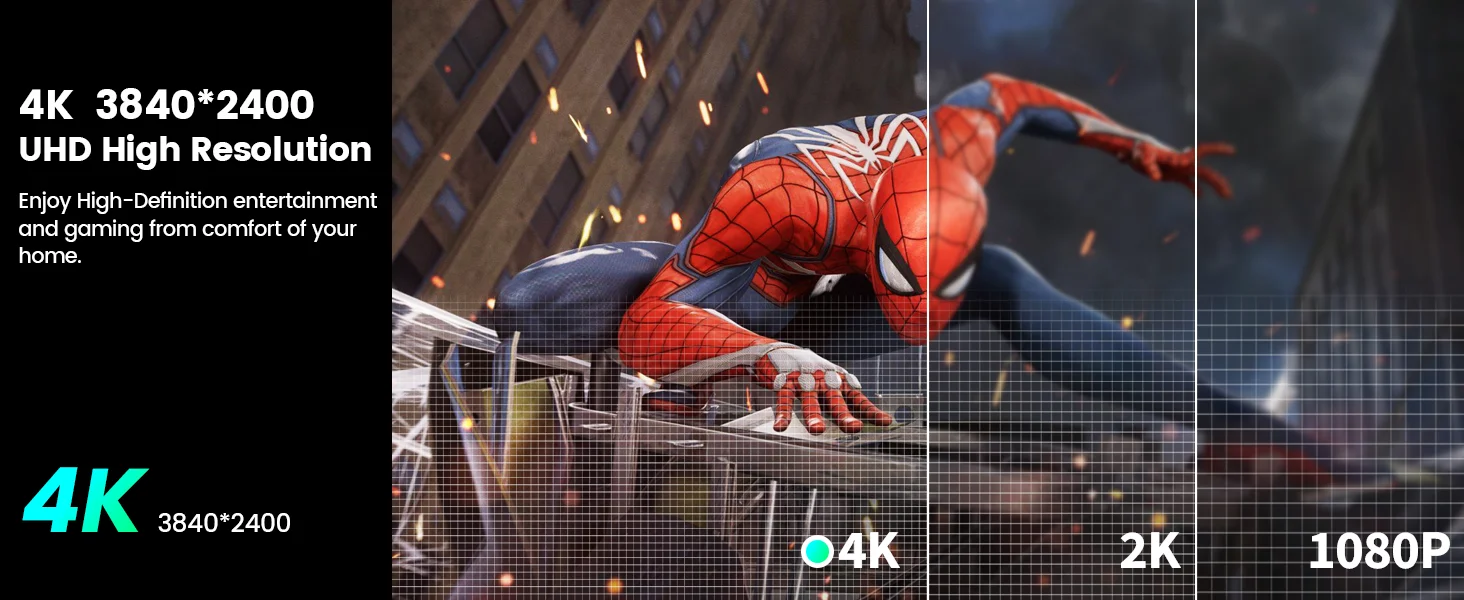
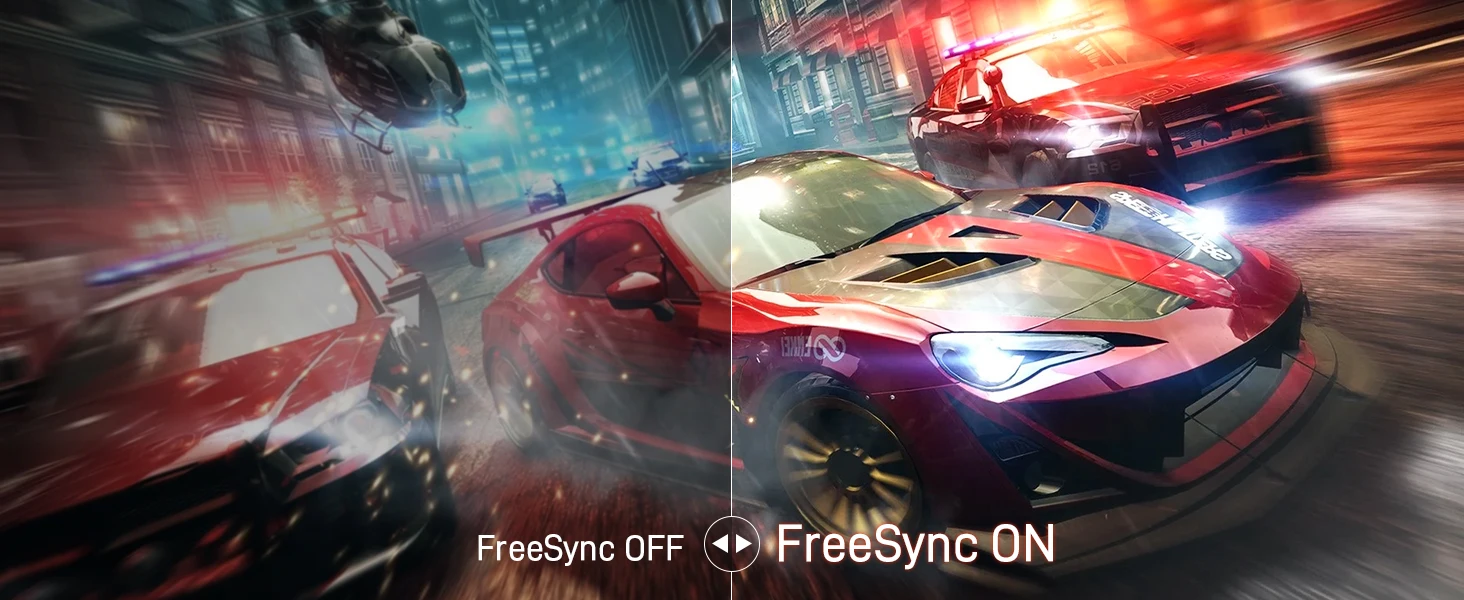
Portable Monitor features 3840*2160 pixels for vivid expression, allowing you to experience realism when playing games and watching movies. 80% NTSC and 1000:1 contrast ratio provide beautiful, accurate colors. It uses a 18.4-inch IPS LCD panel to display clear and beautiful images and videos at any angle up to 178°.
Extensive Connectivity
The UPERFECT 4K portable monitor easily connects to a variety of devices via mini HDMI and Type-C ports, making it compatible with laptops, smartphones, game consoles and more for seamless integration into your workflow or entertainment setup; A micro usb port can connect to keyboard or mouse
Versatile Mounting Options
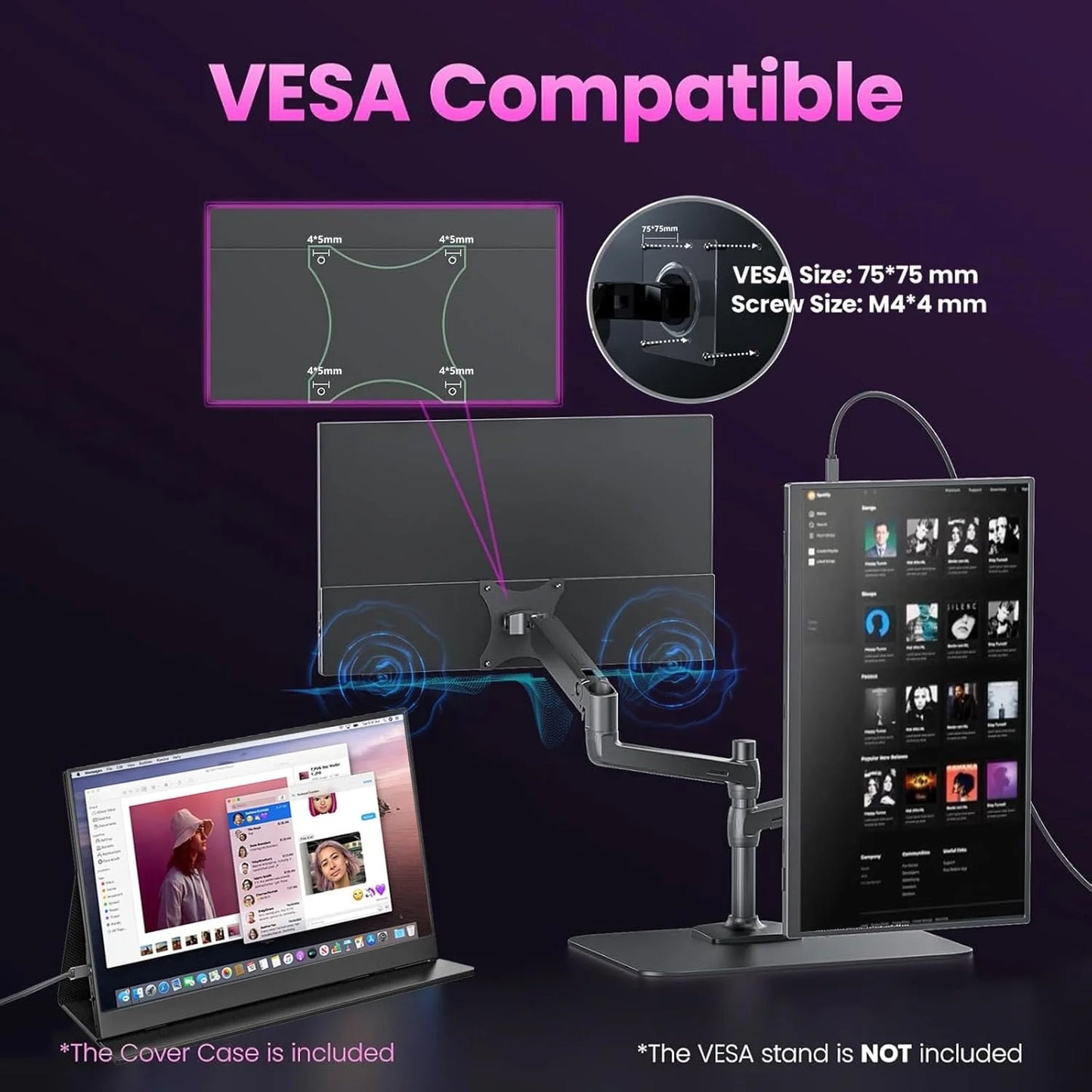
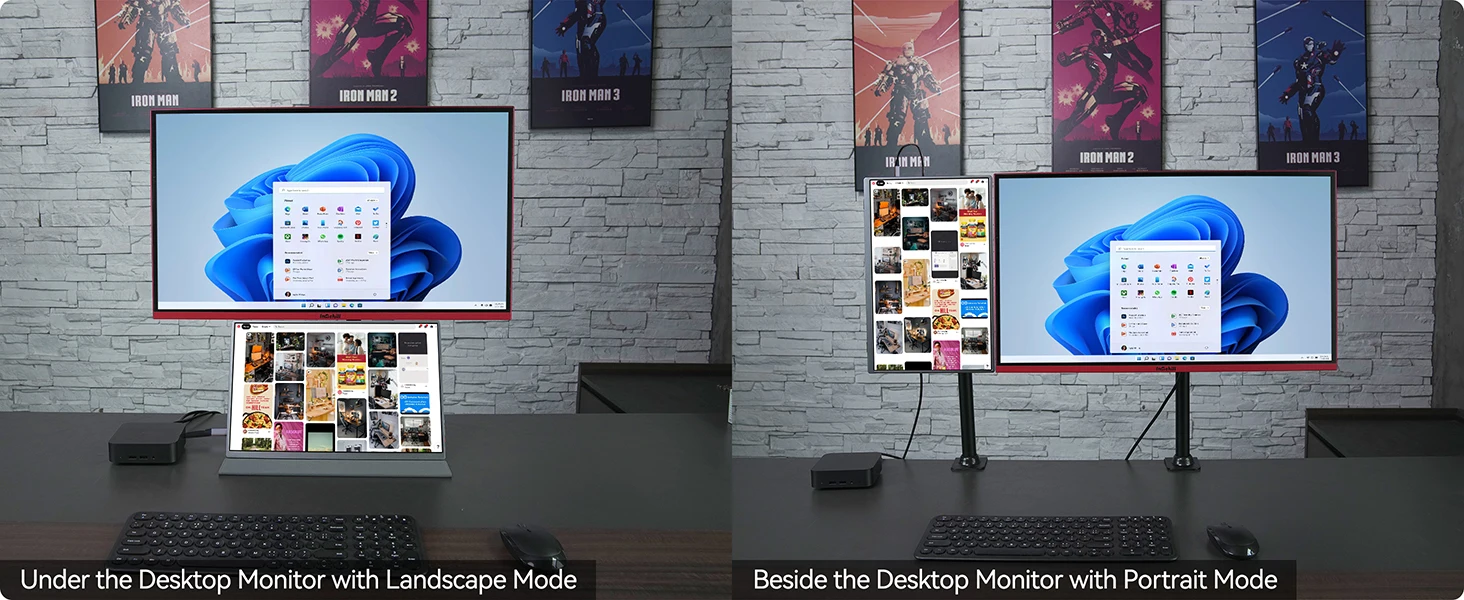
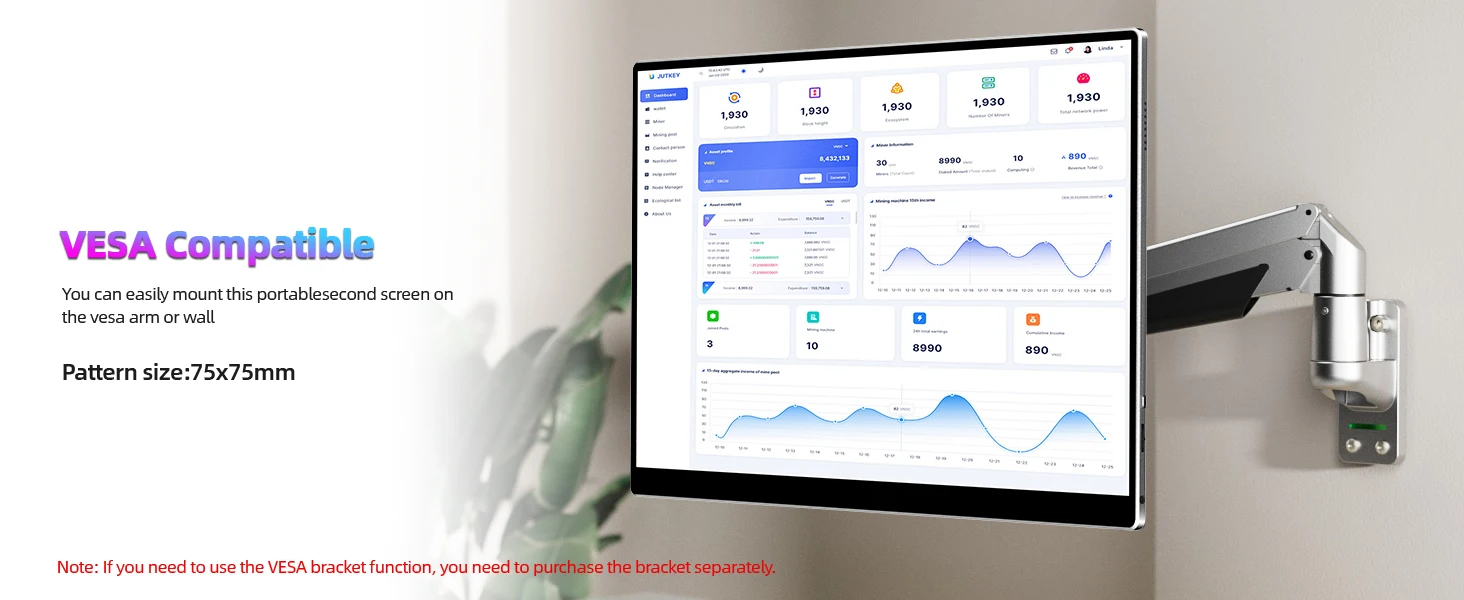
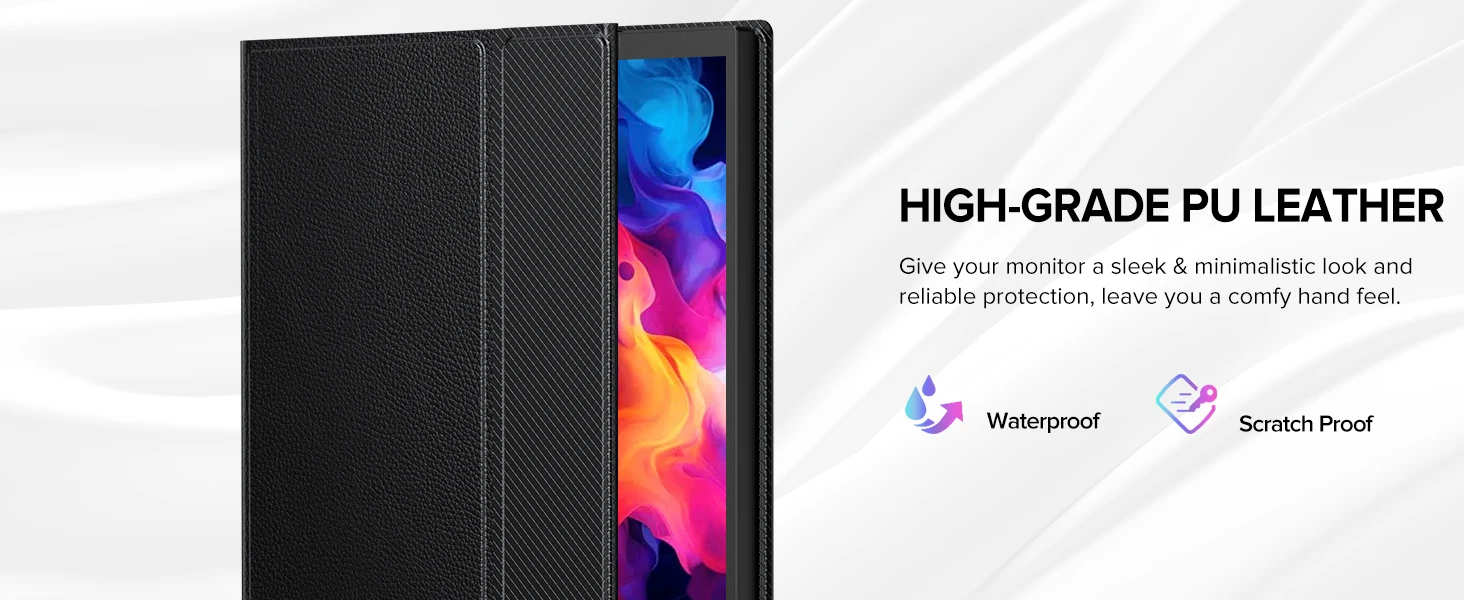
Easily mount your portable gaming monitor anywhere with VESA compatibility, If you need a VESA stand, please let us know; While the included leather case provides added protection and portability for on-the-go use; To ensure smooth use, please connect the external power supply at the beginning
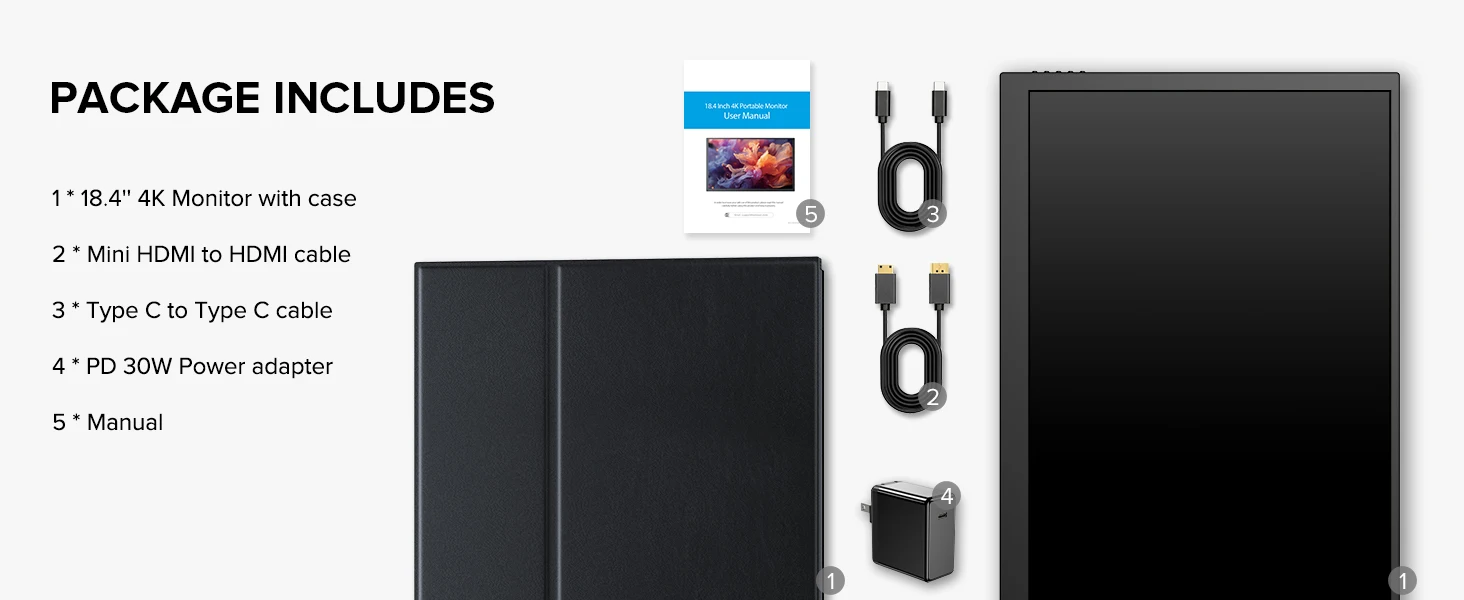
What's in the box?
1 * Monitor
1 * MINI HDMI cable (4K)
2 * C-C line
1 * PD 30W power head
1 * Instruction manual
Support Single Type-C Cable For Display & Power Device Model
- Mobile Phones Support USB 3.1:
For Samsung: Samsung Galaxy S8, S8+, S9, S9+, S10, S10+, S10e,S20,S20+,S20 Ultra,S21,S21+,S21 Ultra,S22,S22+,S22 Ultra, Note 8, Note 9,Note 10
For Huawei: P50 Pocket/40 Pro/40/30/20/10/9 Series, Mate X/Xs/X2/40 Pro/40/30/20/10/9 Series, Honor Note 10,Honor Magic V/3/Pro/Pro+/4/4 Pro/4 Ultimate;
For SONY: Xperia 1 / 1 II/1 III/1 IV/5/5 II/5 III/10 III/Pro/Pro-I;
For OnePlus: 7/7 Pro/8/8 Pro/9/9R/9 Pro;
For OPPO: Find X3 Pro/Reno 10x Zoom/Reno 5G/R17 Pro (OPPO RX17 Pro in Europe);
For LG: V60/V50/V40/V35/V30/V30+/V20 Series,G8/G7/G6/G6+(with Dec 2018 update)*functionality has not been tested*/G5 Series,Q8;
For HTC: 10/U Ultra/U11/U11+/U12+/U19e,Exodus 1;
For ASUS:ROG Phone/Phone II/Phone 3/Phone 5/Phone 5s Series,ZenFone 3 Ultra,ZenFone AR,ZenFone Ares;
For Motorola: Edge+/Edge S (China variant)/Moto G100 (global version for European market)/ Edge 20 Pro/30 Pro(global variant)/X30;
For Xiaomi: Black Shark 2/3/4;
For ZTE: Axon 9 Pro/10 Pro,Nubia Red Magic 6S Pro/7/7 Pro;
Others: BlackBerry Key2,BQ Aquaris X2,Essential Phone,Fairphone 4,Lenovo Legion Phone Duel/2 Pro/Duel 2,NOKIA 9 PureView, Microsoft Lumia 950/950 XL, HP Elite x3,Razer Phone/Phone 2,Fairphone 4;
*NOTE: If you can not find your devices above, please use IOS/Android to HDMI Adapter for connecting.
- Laptops Support Thunderbolt 3 or USB 3.1:
For Apple: Apple MacBook Pro (Late 2016) and newer,Apple MacBook Air (Late 2018) and newer ;
For Huawei: MateBook D/X/X Pro/E/13, MagicBook;
For ASUS: ZenBook, U4100UN, U5100UQ, ROG Series;
For HP: EliteBook Folio G1, Spectre 13,ZbookZbook Studio;
For Dell: G3/G5/G7 Series, Inspiron 5000/7000 Series, XPS12/13/15;
For Lenovo: Thinkpad E580/T470/T470s/T480/T480s/X1 Carbon (2017-2019);
For MIUI: Air 12.5"/133.3", Pro 15.6", MI Game NoteBook
For Google: ChromeBook Pixels
For Razer: Blade Stealth Series (All)
For Microsoft: Surface Book 2
Others: Acer Swift 5,MSI GS60 6QE,Gigabyte Aero 15x/15 x9/15 y9;
*NOTE: If you can not find your devices above, please use mini HDMI cable instead.
Product Appearance & Interface Function Introduction
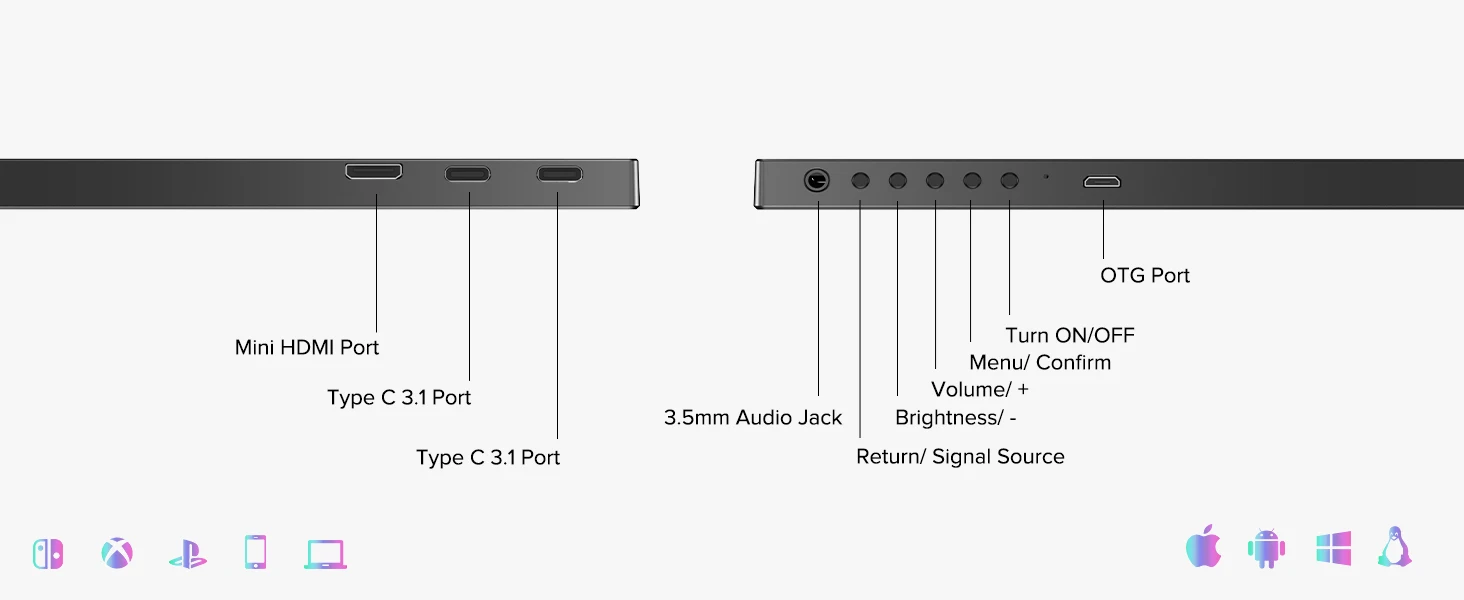
A.Micro USB-B OTG Port
Connect to mouse/ keyboard
B.Turn ON/OFF
Press to Turn ON/ OFF the monitor
C.Menu/ Confirm
Press to enter Menu or Confirm your choice
D.Quick adjust Volume/+
press to quick adjust volume
Press to Next Step/ lncrease
E.Quick adjust Brightness/ -
Press to Former Step/Decrease
F.Return/ Quick adjust Signal Source
Press to Return
Press to quick adjust Signal Source
G.3.5mm Audio Jack
Headphone/ Sound Box Extension Port
H&l. Type C3.1 Port
For signal and power transmission
J.Mini HDMI Port
Audio and Video signal transmission
K. VESA
4-M4*4mm VESA holes
Q: Abnormal conditions occurred -like the splash screen or spots when usingthe monitor.
A: 1.Ilt is caused by an insufficient power supply.Monitor required large power support.Please use the attached genuine cable provided to power the monitor.
2. lf use the mobile power bank to power the monitor, please confirm whether the mobile power bank is a PD power bank that has reached 30W or more.Please contact us if you need a power bank.
3. lf the resolutions above do not work, please try another computer device. If it failed,please contact us for the replacement of the cable.
Q: The monitor fails to start and the screen is blank.
A: 1.Please TURN ON the power supply.
2.Please check whether the connection is correct.Please unplug the cable and reconnect.Please use the genuine cable and the power adapter.
Note: Most Samsung mobile phones can not power for the monitor, please power themonitor with an additional power adapter.
3.Please contact us if the trouble shooting above does not help.
Q:The display is TURN-ON, shows "NO SIGNAL" or "POWER SAVING".
A: 1.Please check if the mobile phone supports USB3.1./Thunderbolt 3.when you areusing Type-C to Type-C to connect the monitor and the mobile phone.An HDMl adapter isrequired to transfer the signal if your mobile phone does not support USB3.1./Thunderbolt3.
2.Please check whether the connection is correct. Please use the genuine cable provided.
3.Please try another computer.lf it failed, please contact us for the replacement of thecable.
lmportant Tips:
lf you find any issues with your monitor, please contact our after sales-services and show us problem before returning it. We will help you solve your problems and try our best to makeyou satisfied.We take full responsibility for our products.
lf there are any defects that cannot be solved, we will refund or send you a replacement.